
Power Automate Integration with Dynamics 365: Flows, Triggers, and Automation
"@{outputs('Get_Sales_Manager')?['body/internalemailaddress']}", "@{outputs('Get_Finance_Director')?['body/internalemailaddress']}"``` ], "details": "Opportunity: @{triggerOutputs()?['body/name']}\nDiscount: @{triggerOutputs()?['body/discountpercentage']}%\nValue: $@{triggerOutputs()?['body/estimatedvalue']}", "requestorNotification": true, "enableReassignment": true }
Diagram: See the official Microsoft documentation for architecture details.
Custom API registration (for button visibility):
<RibbonDiffXml>
  <CommandDefinitions>
```text
<CommandDefinition Id="lead.QualifyWithFlow.Command">
  <EnableRules>
    <EnableRule Id="lead.IsOpen" />
  </EnableRules>
  <DisplayRules>
    <DisplayRule Id="lead.FormStateRule" />
  </DisplayRules>
  <Actions>
    <JavaScriptFunction FunctionName="LaunchFlow" Library="$webresource:lead_flows.js">
      <StringParameter Value="flow-url-here" />
    </JavaScriptFunction>
  </Actions>
</CommandDefinition>```
  </CommandDefinitions>
</RibbonDiffXml>
Business Process Flow Integration
Stage transition with validation:
Architecture Overview: Trigger: From Business Process Flow (Opportunity Sales Process)
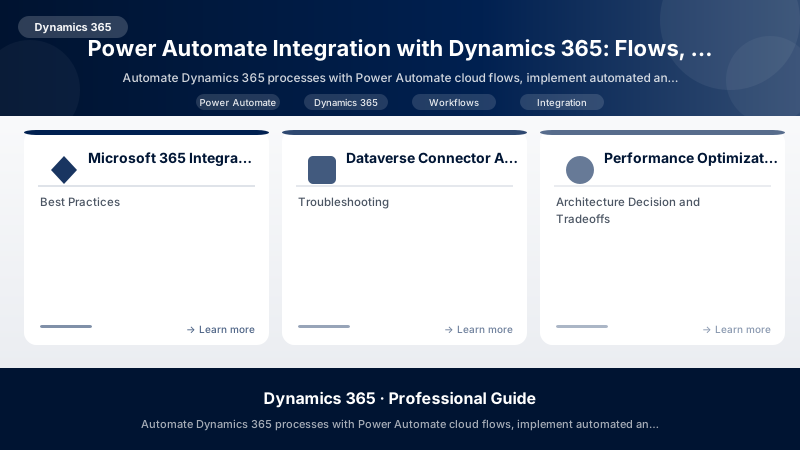
Microsoft 365 Integration
SharePoint Document Management
Auto-attach proposal documents:
Architecture Overview: Trigger: When a file is created (SharePoint)
Outlook Email Integration
Create case from email:
Architecture Overview: Trigger: When a new email arrives (Office 365)
Teams Notifications
Real-time alerts for high-priority cases:
Architecture Overview: Trigger: When a row is added or modified (Cases)
Adaptive Card JSON:
{
  "type": "AdaptiveCard",
  "version": "1.4",
  "body": [
```json
{
  "type": "TextBlock",
  "text": "🚨 High Priority Case",
  "weight": "bolder",
  "size": "large"
},
{
  "type": "FactSet",
  "facts": [
    {"title": "Case Number", "value": "@{outputs('Get_Case')?['body/ticketnumber']}"},
    {"title": "Customer", "value": "@{outputs('Get_Account')?['body/name']}"},
    {"title": "Subject", "value": "@{outputs('Get_Case')?['body/title']}"},
    {"title": "Priority", "value": "High"}
  ]
}```
  ],
  "actions": [
```json
{
  "type": "Action.OpenUrl",
  "title": "View Case",
  "url": "@{outputs('Get_Case')?['body/@odata.id']}"
}```
  ]
}
Dataverse Connector Advanced Patterns
Batch Operations
Update multiple related records:
Architecture Overview: Trigger: When a row is modified (Accounts)
Error Handling and Retries
Robust API call pattern:
Architecture Overview: Try Scope:
Change Tracking Pattern
Track field changes with history:
Architecture Overview: Trigger: When a row is modified (Opportunities)
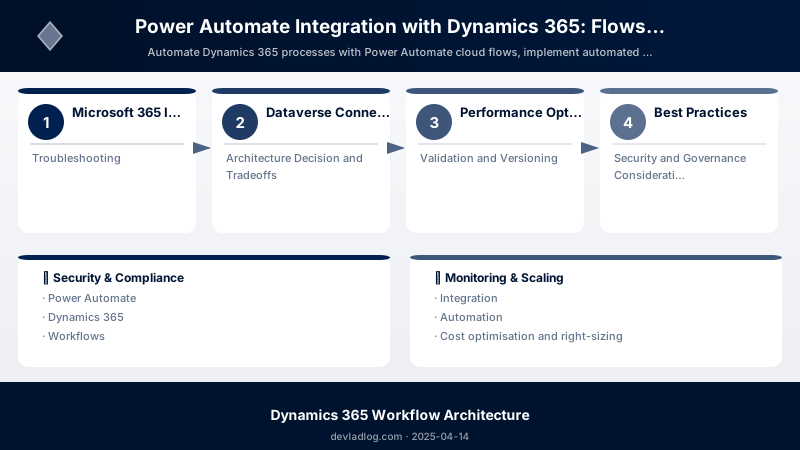
Performance Optimization
Pagination for Large Datasets
Process 5000+ records efficiently:
Architecture Overview: Initialize Variable: Skip Count = 0
Selective Column Retrieval
Minimize payload size:
Architecture Overview: List rows: Accounts
Best Practices
- Use Scope Actions: Group related actions for error handling
- Implement Idempotency: Check for existing records before creating
- Add Timeout Handling: Set reasonable timeout values (30-120s)
- Filter at Source: Use OData filters in triggers (reduces runs)
- Parallel Processing: Enable concurrency where safe (5-10 concurrent)
- Secure Credentials: Use Azure Key Vault for API keys
- Test with Small Datasets: Validate logic before bulk processing
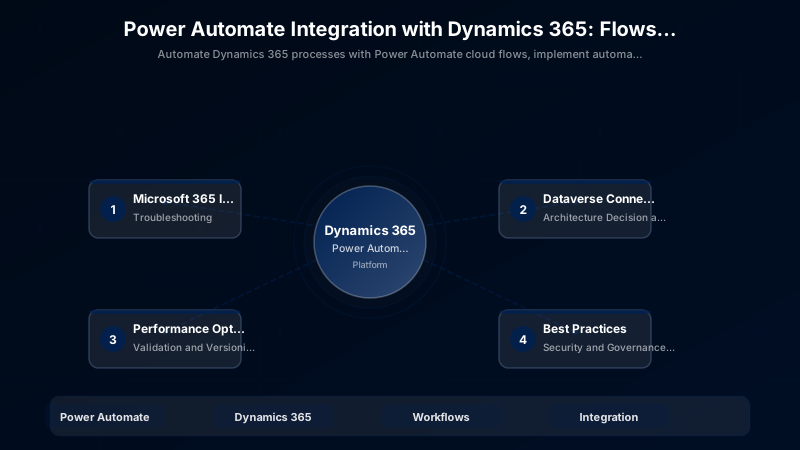
Troubleshooting
Flow runs but no action taken:
- Check trigger filter conditions (OData syntax)
- Verify scope is "Organization" not "User"
- Review condition logic (empty strings evaluate as false)
"Item not found" errors:
- Add null checks:
@{if(empty(outputs('Get_Account')?['body']), 'N/A', outputs('Get_Account')?['body/name'])} - Use "List rows" instead of "Get row" for optional lookups
Approval timeouts:
- Configure automatic rejection after deadline
- Send reminder notifications at 24h and 2h before expiration
Architecture Decision and Tradeoffs
When designing business applications solutions with Dynamics 365, consider these key architectural trade-offs:
| Approach | Best For | Tradeoff |
|---|---|---|
| Managed / platform service | Rapid delivery, reduced ops burden | Less customisation, potential vendor lock-in |
| Custom / self-hosted | Full control, advanced tuning | Higher operational overhead and cost |
Recommendation: Start with the managed approach for most workloads and move to custom only when specific requirements demand it.
Validation and Versioning
- Last validated: April 2026
- Validate examples against your tenant, region, and SKU constraints before production rollout.
- Keep module, CLI, and SDK versions pinned in automation pipelines and review quarterly.
Security and Governance Considerations
- Apply least-privilege access using RBAC roles and just-in-time elevation for admin tasks.
- Store secrets in managed secret stores and avoid embedding credentials in scripts or source files.
- Enable audit logging, data protection policies, and periodic access reviews for regulated workloads.
Cost and Performance Notes
- Define budgets and alerts, then monitor usage and cost trends continuously after go-live.
- Baseline performance with synthetic and real-user checks before and after major changes.
- Scale resources with measured thresholds and revisit sizing after usage pattern changes.
Official Microsoft References
- https://learn.microsoft.com/dynamics365/
- https://learn.microsoft.com/power-platform/admin/
- https://learn.microsoft.com/power-platform/alm/
Public Examples from Official Sources
- These examples are sourced from official public Microsoft documentation and sample repositories.
- Documentation examples: https://learn.microsoft.com/dynamics365/
- Sample repositories: https://github.com/microsoft/PowerApps-Samples
- Prefer adapting these examples to your tenant, subscriptions, and governance requirements before production use.
Key Takeaways
- Power Automate eliminates 60-80% of manual Dynamics 365 tasks
- Automated triggers respond to Dataverse changes in real-time
- Approval workflows enforce multi-level business rules
- Microsoft 365 integration creates seamless cross-platform experiences
- Error handling and retry policies ensure production reliability
Next Steps
- Implement child flows for reusable logic across solutions
- Use environment variables for connection references
- Explore desktop flows for legacy system integration
- Add Application Insights telemetry for monitoring
Additional Resources
Automate the routine, focus on the strategic.
Discussion