
!Architecture Overview
Code Review Best Practices: Effective Collaboration and Quality Assurance
Figure: Interactive dashboard – charts, lists, and global filter controls.
Introduction
Prerequisites
| Requirement | Details |
|---|---|
| Basic setup and tooling | Basic setup and tooling |
Figure: Tool configuration for code review best practices—setup workflow, recommended settings, extension integration, and team standards.
Figure: Development workflow using code review best practices—edit-debug-test cycle, collaboration patterns, and automation integration.
Figure: CI/CD pipeline integration for code review best practices—build triggers, validation gates, artifact management, and deployment automation.
Code reviews catch bugs early, spread knowledge across teams, and maintain code quality standards. This guide covers effective pull request workflows, comprehensive review checklists, platform-specific features in GitHub and Azure DevOps, automated quality tools, and techniques for providing constructive feedback that improves code without discouraging developers.
Pull Request Workflows
Creating Effective Pull Requests
Small, Focused Changes:
# Bad: Large PR with multiple concerns
git checkout -b feature/complete-refactor
## 50 files changed, 3000+ lines


## Good: Small, focused PRs
git checkout -b fix/user-validation


## 3 files changed, 50 lines
PR Template (.github/pull_request_template.md):
## Description
Brief summary of changes and motivation.


## Type of Change
- [ ] Bug fix (non-breaking change fixing an issue)
- [ ] New feature (non-breaking change adding functionality)
- [ ] Breaking change (fix or feature causing existing functionality to break)
- [ ] Documentation update


## Testing
- [ ] Unit tests added/updated
- [ ] Integration tests added/updated
- [ ] Manual testing completed


## Checklist
- [ ] Code follows project style guidelines
- [ ] Self-review completed
- [ ] Comments added for complex logic
- [ ] Documentation updated
- [ ] No new warnings generated
- [ ] Dependent changes merged


## Related Issues
Fixes #123
Related to #456


## Screenshots (if applicable)
Self-Review Before Submission:
## Review your own changes first
git diff main...feature/user-validation


## Check for common issues
git diff main --check  # Trailing whitespace
git diff main --stat   # Changed files overview


## Run linters locally
npm run lint
dotnet format --verify-no-changes
Branch Protection Rules
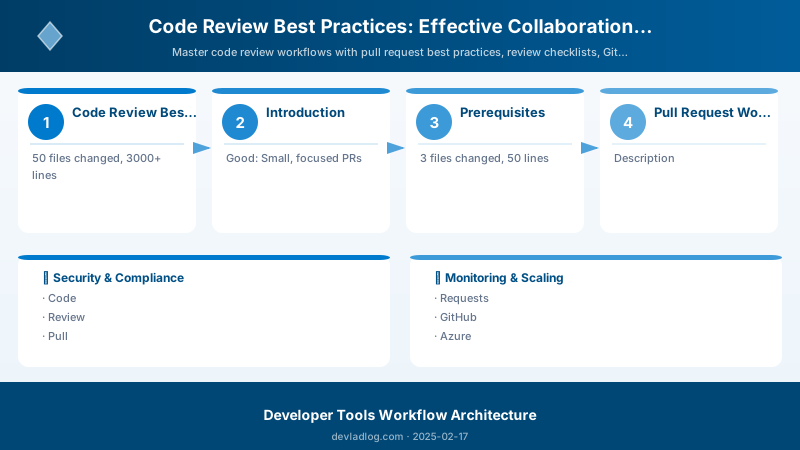
Figure: Outlook Web – mail rules, shared calendars, and resource booking.
GitHub Branch Protection:
Architecture Overview: ## Repository Settings → Branches → Branch protection rules
CODEOWNERS File:
## Default owners for everything
* @contoso/engineering-leads


## Frontend code
/src/web/** @contoso/frontend-team
/src/web/components/** @john-doe

## API code
/src/api/** @contoso/backend-team
/src/api/auth/** @jane-smith @security-team

## Infrastructure
/infrastructure/** @contoso/devops-team
/.github/workflows/** @devops-lead


## Documentation
/docs/** @contoso/tech-writers
README.md @product-owner
Review Checklists
Functionality Review
Core Questions:
- [ ] Does the code do what the PR description claims?
- [ ] Are edge cases handled appropriately?
- [ ] Is error handling comprehensive and informative?
- [ ] Are there any obvious bugs or logic errors?
- [ ] Does it break existing functionality?
Example Review Comment:
// ❌ Problematic code
function getUserDiscount(user) {
  return user.isPremium ? 0.2 : 0;
}

// Review comment:
// This doesn't handle null/undefined users. Consider:
function getUserDiscount(user) {
  if (!user) return 0;
  return user.isPremium ? 0.2 : 0;
}

// Also, what about different premium tiers? Should this
// be configurable rather than hardcoded?
Code Quality Review
Readability Checklist:
- [ ] Variable/function names are descriptive and consistent
- [ ] Functions do one thing and are reasonably sized (< 50 lines)
- [ ] Complex logic has explanatory comments
- [ ] Magic numbers replaced with named constants
- [ ] Code follows project conventions
Example:
// ❌ Poor readability
public async Task<List<Order>> GetOrders(int u, DateTime s, DateTime e)
{
```javascript
return await _db.Orders
    .Where(o => o.UserId == u && o.Date >= s && o.Date <= e && o.Status != 3)
    .ToListAsync();```
}

// ✅ Improved readability
private const int CANCELLED_STATUS = 3;

public async Task<List<Order>> GetActiveOrdersForUser(
```text
int userId,
DateTime startDate,
DateTime endDate)```
{
```javascript
return await _db.Orders
    .Where(order =>
        order.UserId == userId &&
        order.Date >= startDate &&
        order.Date <= endDate &&
        order.Status != CANCELLED_STATUS)
    .ToListAsync();```
}
Security Review
Security Checklist:
- [ ] No hardcoded credentials or API keys
- [ ] Input validation on all user-supplied data
- [ ] SQL injection prevention (parameterized queries)
- [ ] XSS prevention (output encoding)
- [ ] Authentication/authorization checks
- [ ] Sensitive data encrypted at rest and in transit
- [ ] No logging of passwords or sensitive information
Example:
// ❌ Security vulnerability
app.get('/user', (req, res) => {
  const userId = req.query.id;
  const query = `SELECT * FROM users WHERE id = ${userId}`;
  db.query(query, (err, results) => {
```text
res.json(results[0]);```
  });
});

// ✅ Secure implementation
app.get('/user', authenticateToken, (req, res) => {
  const userId = parseInt(req.query.id, 10);

  // Authorization check
  if (req.user.id !== userId && !req.user.isAdmin) {
```text
return res.status(403).json({ error: 'Forbidden' });```
  }

  // Parameterized query prevents SQL injection
  const query = 'SELECT id, username, email FROM users WHERE id = ?';
  db.query(query, [userId], (err, results) => {
```text
if (err) {
  logger.error('Database error', { error: err.message });
  return res.status(500).json({ error: 'Internal server error' });
}
res.json(results[0]);```
  });
});
Performance Review
Performance Checklist:
- [ ] No N+1 database queries
- [ ] Appropriate use of caching
- [ ] Large datasets paginated
- [ ] Expensive operations async/background
- [ ] Database indexes for queries
- [ ] No unnecessary API calls in loops
Example:
## ❌ N+1 query problem
def get_users_with_orders():
```text
users = User.objects.all()  # 1 query
for user in users:
    user.orders = Order.objects.filter(user_id=user.id)  # N queries
return users
✅ Optimized with select_related
Figure: Power Apps Monitor – delegation warnings and non-delegable filter analysis.
def get_users_with_orders():
return User.objects.prefetch_related('orders').all() # 2 queries total
## GitHub Review Features
### Code Suggestions
**Inline Suggestions:**
```markdown
```suggestion
const isValid = email && email.includes('@');
```text
Use a proper email validation regex or library like validator.js
instead of just checking for @ symbol.
Review Comments
Comment Types:
<!-- Blocking Issue -->
🚨 **Must Fix**: This will cause a runtime error when user is null.

<!-- Suggestion -->
💡 **Suggestion**: Consider using async/await here for better readability.

<!-- Question -->
❓ **Question**: Is this breaking change documented in the changelog?

<!-- Praise -->
✨ **Nice**: Great use of TypeScript generics here!

<!-- Nitpick -->
🔧 **Nit**: Minor style issue - add space after comma.
GitHub CLI for Reviews
## Create PR

gh pr create --title "Fix user validation" --body "Fixes #123"

## List PRs needing review

gh pr list --search "review-requested:@me"


## Checkout PR locally

gh pr checkout 456


## Review PR

gh pr review 456 --approve --body "LGTM! Great work on the error handling."
gh pr review 456 --request-changes --body "Please address the security concern."
gh pr review 456 --comment --body "Question about the implementation approach."


## View PR diff

gh pr diff 456
Azure DevOps Review Features
Figure: Azure DevOps pipeline – stages, deployment gates, and artifact publishing.
Pull Request Policies
Branch Policies Configuration:
## Azure DevOps → Repos → Branches → Branch policies

Require a minimum number of reviewers: 2


  - Allow requestors to approve their own changes: No
  - Prohibit the most recent pusher from approving: Yes
  - Require approval on the last iteration: Yes


Check for linked work items: Required

Check for comment resolution: Required

Limit merge types:

  - Squash merge only (or Basic merge + Squash)


Build validation:

  - CI Build: Required
  - Test Coverage: Required (>80%)
Code Review Extensions
PR Metrics Extension:
## Install from Azure DevOps Marketplace

## Tracks metrics:

- Time to first review
- Number of review iterations
- PR size (lines changed)
- Review participation rates


## View metrics in Azure DevOps dashboard
Pull Request Templates
Azure Repos Template (.azuredevops/pull_request_template.md):
## Work Items

- Fixes AB#123
- Related AB#456


## Description

What changed and why.

## Testing Evidence

- [ ] Unit tests: 95% coverage
- [ ] Integration tests: All passing
- [ ] Manual testing: Screenshots attached


## Deployment Notes

Any special deployment considerations or migration steps.


## Reviewer Guidance

Focus areas for review or specific concerns to address.
Automated Code Quality Tools
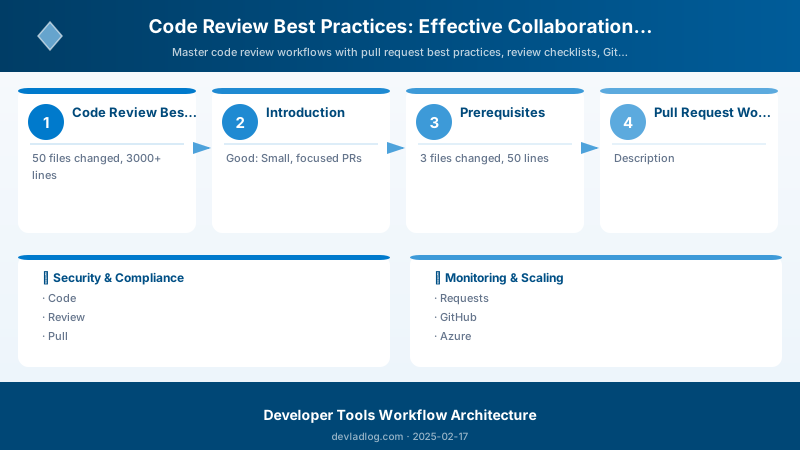
Figure: Power Automate integration – approval flow with email notifications.
SonarQube Integration
GitHub Actions with SonarQube:
name: Code Quality

on:
  pull_request:
```yaml
types: [opened, synchronize, reopened]
jobs: sonarqube:
runs-on: ubuntu-latest
steps:

  - uses: actions/checkout@v4

    with:
      fetch-depth: 0  # Full history for better analysis

  - name: SonarQube Scan

    uses: sonarsource/sonarqube-scan-action@master
    env:
      SONAR_TOKEN: ${{ secrets.SONAR_TOKEN }}
      SONAR_HOST_URL: ${{ secrets.SONAR_HOST_URL }}

  - name: SonarQube Quality Gate

    uses: sonarsource/sonarqube-quality-gate-action@master
    timeout-minutes: 5
    env:
      SONAR_TOKEN: ${{ secrets.SONAR_TOKEN }}
**Quality Gate Configuration:**

```yaml

## sonar-project.properties

sonar.projectKey=contoso-app
sonar.organization=contoso


sonar.sources=src
sonar.tests=tests
sonar.exclusions=**/node_modules/**,**/*.test.js

sonar.javascript.lcov.reportPaths=coverage/lcov.info
sonar.coverage.exclusions=**/*.test.js,**/mock/**

## Quality gate thresholds

sonar.qualitygate.wait=true
sonar.qualitygate.timeout=300
CodeQL Security Analysis
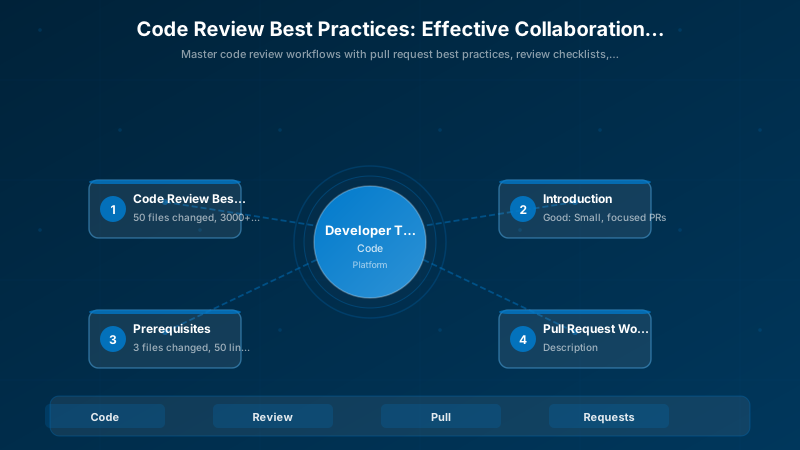
Figure: SQL Server security – server roles, logins, and database permissions.
GitHub Actions:
name: Security Analysis

on:
  pull_request:
```yaml
branches: [main]
jobs: analyze:
runs-on: ubuntu-latest
permissions:
  security-events: write

steps:

  - uses: actions/checkout@v4

  - name: Initialize CodeQL

    uses: github/codeql-action/init@v3
    with:
      languages: javascript, csharp
      queries: security-and-quality

  - name: Autobuild

    uses: github/codeql-action/autobuild@v3

  - name: Perform CodeQL Analysis

    uses: github/codeql-action/analyze@v3
### Danger.js for PR Automation

**`dangerfile.js`:**

```javascript

import { danger, warn, fail, message } from 'danger';

// Warn on large PRs
const bigPRThreshold = 500;
if (danger.github.pr.additions + danger.github.pr.deletions > bigPRThreshold) {
  warn('⚠️ This PR is quite large. Consider breaking it into smaller PRs.');
}

// Require PR description
if (danger.github.pr.body.length < 10) {
  fail('❌ Please add a meaningful PR description.');
}

// Require tests for source changes
const hasSourceChanges = danger.git.modified_files.some(f => f.startsWith('src/'));
const hasTestChanges = danger.git.modified_files.some(f => f.includes('.test.'));

if (hasSourceChanges && !hasTestChanges) {
  warn('🧪 Consider adding tests for your changes.');
}

// Check for package.json changes
const packageChanged = danger.git.modified_files.includes('package.json');
const lockfileChanged = danger.git.modified_files.includes('package-lock.json');

if (packageChanged && !lockfileChanged) {
  fail('📦 package.json changed but package-lock.json did not. Run npm install.');
}

// Encourage documentation
const hasDocsChanges = danger.git.modified_files.some(f => f.includes('/docs/'));
if (hasSourceChanges && !hasDocsChanges) {
  message('📝 Consider updating documentation if needed.');
}

// Check for console.log statements
const jsFiles = danger.git.modified_files.filter(f => f.endsWith('.js') || f.endsWith('.ts'));
for (const file of jsFiles) {
  const content = await danger.github.utils.fileContents(file);
  if (content.includes('console.log')) {
```javascript
warn(`🐛 ${file} contains console.log statements. Use proper logging.`);```
  }
}
Expected output:
added 245 packages in 8s
found 0 vulnerabilities

Constructive Feedback Techniques
Positive Framing
Instead of criticism, ask questions:
❌ "This code is inefficient."

✅ "Have you considered using a Set here for O(1) lookups instead of
   Array.includes() which is O(n)? With large datasets, this could
   significantly improve performance."
Acknowledge good practices:
✨ Great error handling here! I especially like how you're logging
   the context without exposing sensitive data.

💡 One suggestion: Consider extracting this validation logic into a
   reusable validator function since we're doing similar validation
   in the UserController.
Clarity and Specificity
Be specific about issues:
❌ "This doesn't look right."

✅ "On line 42, when userId is undefined, this will throw an
   uncaught TypeError. Consider adding a null check:

   if (!userId) {
     throw new ValidationError('userId is required');
   }
Distinguish Must-Fix from Nice-to-Have
Use clear labels:
Architecture Overview: 🚨 BLOCKER: This causes data loss. Must fix before merge.
Best Practices
- Review Promptly: Respond within 24 hours, even if just acknowledging receipt
- Small PRs: Keep changes under 400 lines for effective review
- Automate Everything: Let tools catch style/format issues
- Face-to-Face for Complex Changes: Video call for architectural discussions
- Review Your Own Code First: Self-review before requesting others' time
- Focus on Important Issues: Don't nitpick minor style if bigger issues exist
- Praise Good Work: Positive reinforcement improves team morale
- Assume Good Intent: Ask questions rather than making accusations
Troubleshooting
Review Fatigue:
## Rotate reviewers to distribute load


## Use round-robin assignment in GitHub/Azure DevOps


## Set WIP limits per reviewer (max 3-5 concurrent reviews)
Slow Review Turnaround:
## Enable Slack/Teams notifications


## Set SLA expectations (24h first review, 48h approval)


## Escalate blocked PRs in daily standup
Review Conflicts:
If disagreement on approach:

1. Discuss synchronously (call/meeting)
2. Involve tech lead or architect
3. Document decision in ADR (Architecture Decision Record)
4. Move forward - don't let PRs stall indefinitely
Architecture Decision and Tradeoffs
When designing development workflow solutions with Developer Tools, consider these key architectural trade-offs:
| Approach | Best For | Tradeoff |
|---|---|---|
| Managed / platform service | Rapid delivery, reduced ops burden | Less customisation, potential vendor lock-in |
| Custom / self-hosted | Full control, advanced tuning | Higher operational overhead and cost |
Recommendation: Start with the managed approach for most workloads and move to custom only when specific requirements demand it.
Validation and Versioning
- Last validated: April 2026
- Validate examples against your tenant, region, and SKU constraints before production rollout.
- Keep module, CLI, and SDK versions pinned in automation pipelines and review quarterly.
Security and Governance Considerations
- Apply least-privilege access using RBAC roles and just-in-time elevation for admin tasks.
- Store secrets in managed secret stores and avoid embedding credentials in scripts or source files.
- Enable audit logging, data protection policies, and periodic access reviews for regulated workloads.
Cost and Performance Notes
- Define budgets and alerts, then monitor usage and cost trends continuously after go-live.
- Baseline performance with synthetic and real-user checks before and after major changes.
- Scale resources with measured thresholds and revisit sizing after usage pattern changes.
Official Microsoft References
- https://learn.microsoft.com/visualstudio/
- https://learn.microsoft.com/azure/devops/
- https://learn.microsoft.com/github/
Public Examples from Official Sources
- These examples are sourced from official public Microsoft documentation and sample repositories.
- Documentation examples: https://learn.microsoft.com/visualstudio/
- Sample repositories: https://github.com/microsoft/vscode-extension-samples
- Prefer adapting these examples to your tenant, subscriptions, and governance requirements before production use.
Key Takeaways
- Small, focused PRs get reviewed faster and more thoroughly
- Automated tools catch routine issues, freeing reviewers for logic/design review
- Constructive feedback fosters learning and collaboration
- Clear review checklists ensure consistent quality standards
- Platform features like CODEOWNERS and branch policies enforce review processes
Next Steps
- Create team review guidelines document with examples
- Set up automated PR metrics tracking to identify bottlenecks
- Implement review rotation to prevent reviewer burnout
- Establish SLA expectations for review turnaround times
Additional Resources
- Google Engineering Practices - Code Review
- GitHub Code Review Best Practices
- Azure DevOps Pull Request Documentation
- Conventional Comments Specification
Review with empathy, approve with confidence.
Discussion