
Introduction: The Lakehouse Paradigm
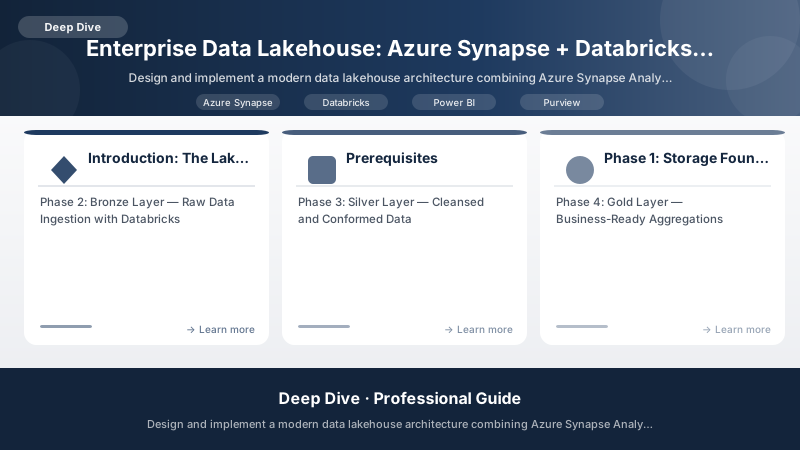
The data lakehouse combines the best of data warehouses (structure, performance, ACID transactions) with data lakes (flexibility, scalability, raw data storage). This deep dive builds a production-grade lakehouse on Azure using the Medallion architecture (Bronze → Silver → Gold), Unity Catalog for governance, and Power BI for self-service analytics — all tied together with Microsoft Purview for organization-wide data discovery and lineage.
Prerequisites
- Azure subscription with Databricks workspace access
- Azure Synapse Analytics workspace
- Microsoft Purview account
- Power BI Premium or Premium Per User licenses
- Azure Data Lake Storage Gen2
- Familiarity with Spark, SQL, and Delta Lake
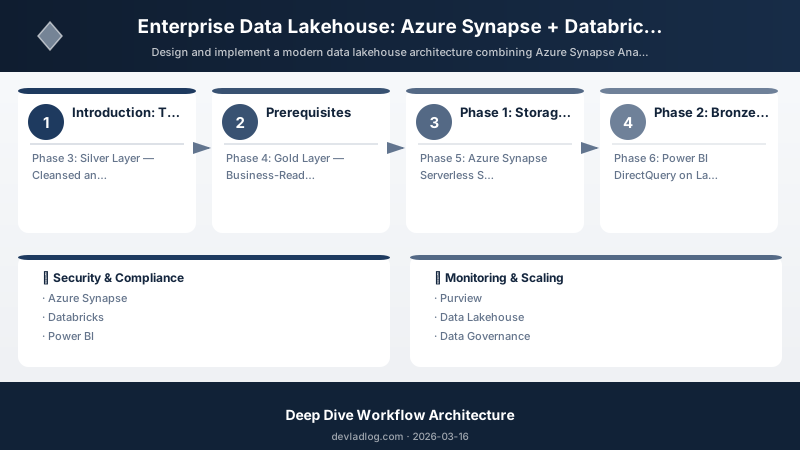
Phase 1: Storage Foundation — ADLS Gen2 with Medallion Zones
Infrastructure as Code with Bicep
param location string = resourceGroup().location
param projectName string = 'datalakehouse'

resource storageAccount 'Microsoft.Storage/storageAccounts@2023-01-01' = {
  name: '${projectName}adls'
  location: location
  kind: 'StorageV2'
  sku: { name: 'Standard_LRS' }
  properties: {
    isHnsEnabled: true
    minimumTlsVersion: 'TLS1_2'
    allowBlobPublicAccess: false
    supportsHttpsTrafficOnly: true
    networkAcls: {
      defaultAction: 'Deny'
      virtualNetworkRules: [
        { id: databricksSubnet.id, action: 'Allow' }
        { id: synapseSubnet.id, action: 'Allow' }
      ]
    }
  }
}

// Medallion zone containers
var zones = ['bronze', 'silver', 'gold', 'sandbox', 'archive']

resource containers 'Microsoft.Storage/storageAccounts/blobServices/containers@2023-01-01' = [for zone in zones: {
  name: '${storageAccount.name}/default/${zone}'
  properties: {
    publicAccess: 'None'
  }
}]

// Lifecycle management for cost optimization
resource lifecyclePolicy 'Microsoft.Storage/storageAccounts/managementPolicies@2023-01-01' = {
  parent: storageAccount
  name: 'default'
  properties: {
    policy: {
      rules: [
        {
          name: 'ArchiveBronzeAfter90Days'
          type: 'Lifecycle'
          definition: {
            filters: {
              blobTypes: ['blockBlob']
              prefixMatch: ['bronze/']
            }
            actions: {
              baseBlob: {
                tierToCool: { daysAfterModificationGreaterThan: 30 }
                tierToArchive: { daysAfterModificationGreaterThan: 90 }
              }
            }
          }
        }
        {
          name: 'DeleteSandboxAfter14Days'
          type: 'Lifecycle'
          definition: {
            filters: {
              blobTypes: ['blockBlob']
              prefixMatch: ['sandbox/']
            }
            actions: {
              baseBlob: {
                delete: { daysAfterModificationGreaterThan: 14 }
              }
            }
          }
        }
      ]
    }
  }
}
Phase 2: Bronze Layer — Raw Data Ingestion with Databricks
Auto Loader for Streaming Ingestion
# Databricks notebook: bronze_ingestion.py
from pyspark.sql import SparkSession
from pyspark.sql.functions import current_timestamp, input_file_name, lit
from delta.tables import DeltaTable

spark = SparkSession.builder.getOrCreate()

# Configure Auto Loader for streaming CSV ingestion
bronze_stream = (
    spark.readStream
    .format("cloudFiles")
    .option("cloudFiles.format", "csv")
    .option("cloudFiles.schemaLocation", "/mnt/adls/bronze/_schemas/sales")
    .option("cloudFiles.schemaHints", "order_date DATE, amount DOUBLE")
    .option("cloudFiles.inferColumnTypes", "true")
    .option("cloudFiles.schemaEvolutionMode", "addNewColumns")
    .load("/mnt/adls/landing/sales/")
    .withColumn("_ingested_at", current_timestamp())
    .withColumn("_source_file", input_file_name())
    .withColumn("_batch_id", lit(spark.conf.get("spark.databricks.workflow.runId", "manual")))
)

# Write to Bronze Delta table with merge schema
(bronze_stream
    .writeStream
    .format("delta")
    .outputMode("append")
    .option("checkpointLocation", "/mnt/adls/bronze/_checkpoints/sales")
    .option("mergeSchema", "true")
    .trigger(availableNow=True)
    .toTable("bronze.raw_sales")
)

# Data quality checks on bronze layer
from pyspark.sql.functions import col, count, when

quality_report = (
    spark.table("bronze.raw_sales")
    .agg(
        count("*").alias("total_rows"),
        count(when(col("order_id").isNull(), 1)).alias("null_order_ids"),
        count(when(col("amount") < 0, 1)).alias("negative_amounts"),
        count(when(col("order_date").isNull(), 1)).alias("null_dates")
    )
)
quality_report.display()
Change Data Capture (CDC) from SQL Server
# CDC ingestion from SQL Server using Debezium format
cdc_stream = (
    spark.readStream
    .format("cloudFiles")
    .option("cloudFiles.format", "json")
    .option("cloudFiles.schemaLocation", "/mnt/adls/bronze/_schemas/customers_cdc")
    .load("/mnt/adls/landing/cdc/customers/")
)

# Parse Debezium CDC events
from pyspark.sql.functions import from_json, col, struct
from pyspark.sql.types import StructType, StringType, TimestampType

cdc_parsed = (
    cdc_stream
    .select(
        col("payload.op").alias("operation"),
        col("payload.after.*"),
        col("payload.ts_ms").cast("timestamp").alias("_cdc_timestamp"),
        current_timestamp().alias("_ingested_at")
    )
)

# Merge CDC changes into Bronze Delta table
def merge_cdc_batch(batch_df, batch_id):
    if batch_df.isEmpty():
        return

    target = DeltaTable.forName(spark, "bronze.raw_customers")

    (target.alias("target")
        .merge(
            batch_df.alias("source"),
            "target.customer_id = source.customer_id"
        )
        .whenMatchedUpdate(
            condition="source.operation IN ('u', 'r')",
            set={"*": "source.*"}
        )
        .whenMatchedDelete(condition="source.operation = 'd'")
        .whenNotMatchedInsert(
            condition="source.operation IN ('c', 'r')",
            values={"*": "source.*"}
        )
        .execute()
    )

(cdc_parsed
    .writeStream
    .foreachBatch(merge_cdc_batch)
    .option("checkpointLocation", "/mnt/adls/bronze/_checkpoints/customers_cdc")
    .trigger(availableNow=True)
    .start()
)
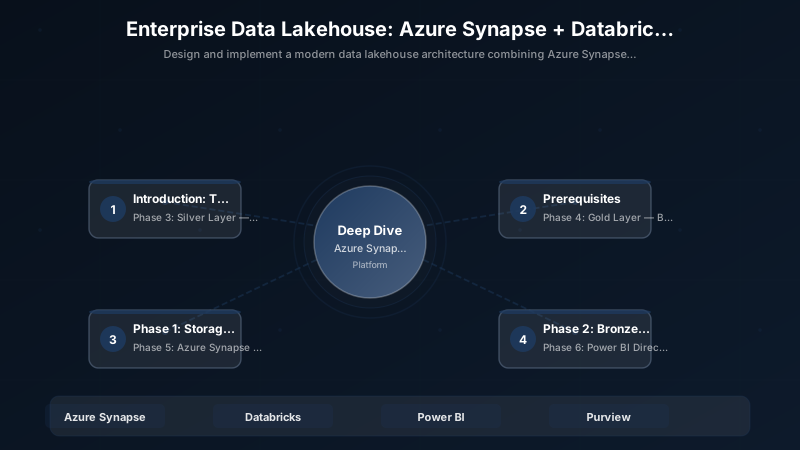
Phase 3: Silver Layer — Cleansed and Conformed Data
Data Quality Framework with Great Expectations
Architecture Overview: # Silver layer transformation: bronze → silver
Phase 4: Gold Layer — Business-Ready Aggregations
Star Schema for Analytics
-- Gold layer: Create dimensional model
CREATE OR REPLACE TABLE gold.dim_customer AS
SELECT
    customer_id,
    customer_name,
    email,
    city,
    state,
    country,
    customer_segment,
    first_order_date,
    lifetime_value,
    total_orders,
    CASE
        WHEN lifetime_value >= 10000 THEN 'Platinum'
        WHEN lifetime_value >= 5000 THEN 'Gold'
        WHEN lifetime_value >= 1000 THEN 'Silver'
        ELSE 'Bronze'
    END AS loyalty_tier,
    _valid_from,
    _valid_to,
    _is_current
FROM silver.clean_customers
WHERE _is_current = true;

-- Fact table: Daily sales aggregation
CREATE OR REPLACE TABLE gold.fact_daily_sales AS
SELECT
    date_format(order_date, 'yyyyMMdd') AS date_key,
    order_date,
    product_id,
    customer_id,
    store_id,
    COUNT(DISTINCT order_id) AS order_count,
    SUM(quantity) AS total_quantity,
    SUM(amount) AS gross_revenue,
    SUM(discount_amount) AS total_discounts,
    SUM(amount - discount_amount) AS net_revenue,
    SUM(cost_amount) AS total_cost,
    SUM(amount - discount_amount - cost_amount) AS gross_margin,
    AVG(amount) AS avg_order_value
FROM silver.clean_sales s
GROUP BY order_date, product_id, customer_id, store_id;

-- Date dimension
CREATE OR REPLACE TABLE gold.dim_date AS
SELECT
    date_format(date_value, 'yyyyMMdd') AS date_key,
    date_value AS full_date,
    year(date_value) AS year,
    quarter(date_value) AS quarter,
    month(date_value) AS month,
    day(date_value) AS day,
    dayofweek(date_value) AS day_of_week,
    weekofyear(date_value) AS week_of_year,
    date_format(date_value, 'MMMM') AS month_name,
    date_format(date_value, 'EEEE') AS day_name,
    CASE WHEN dayofweek(date_value) IN (1, 7) THEN true ELSE false END AS is_weekend
FROM (
    SELECT explode(sequence(
        to_date('2020-01-01'),
        to_date('2030-12-31'),
        interval 1 day
    )) AS date_value
);
Phase 5: Azure Synapse Serverless SQL for Ad-Hoc Queries
Querying Delta Lake from Synapse
-- Synapse Serverless SQL: Query Gold layer directly
CREATE EXTERNAL DATA SOURCE GoldLake
WITH (
    LOCATION = 'https://datalakehouseadls.dfs.core.windows.net/gold',
    CREDENTIAL = ManagedIdentityCredential
);

-- Create view over Delta table
CREATE VIEW synapse.vw_sales_summary AS
SELECT
    d.year,
    d.quarter,
    d.month_name,
    c.loyalty_tier,
    SUM(f.net_revenue) AS total_revenue,
    SUM(f.gross_margin) AS total_margin,
    COUNT(DISTINCT f.customer_id) AS unique_customers,
    SUM(f.order_count) AS total_orders,
    SUM(f.net_revenue) / NULLIF(COUNT(DISTINCT f.customer_id), 0) AS revenue_per_customer
FROM OPENROWSET(
    BULK 'fact_daily_sales/',
    DATA_SOURCE = 'GoldLake',
    FORMAT = 'DELTA'
) AS f
JOIN OPENROWSET(
    BULK 'dim_date/',
    DATA_SOURCE = 'GoldLake',
    FORMAT = 'DELTA'
) AS d ON f.date_key = d.date_key
JOIN OPENROWSET(
    BULK 'dim_customer/',
    DATA_SOURCE = 'GoldLake',
    FORMAT = 'DELTA'
) AS c ON f.customer_id = c.customer_id
GROUP BY d.year, d.quarter, d.month_name, c.loyalty_tier;
Phase 6: Power BI DirectQuery on Lakehouse
Semantic Model Configuration
{
  "model": {
    "name": "Lakehouse Analytics",
    "defaultMode": "DirectQuery",
    "tables": [
      {
        "name": "Sales",
        "source": {
          "type": "AzureSynapseServerlessSQL",
          "query": "SELECT * FROM synapse.vw_sales_summary"
        },
        "measures": [
          {
            "name": "Revenue YoY Growth",
            "expression": "VAR CurrentYear = SUM(Sales[total_revenue]) VAR PreviousYear = CALCULATE(SUM(Sales[total_revenue]), SAMEPERIODLASTYEAR('Date'[full_date])) RETURN DIVIDE(CurrentYear - PreviousYear, PreviousYear, 0)"
          },
          {
            "name": "Customer Retention Rate",
            "expression": "VAR ReturningCustomers = CALCULATE(DISTINCTCOUNT(Sales[customer_id]), FILTER(Sales, Sales[total_orders] > 1)) VAR AllCustomers = DISTINCTCOUNT(Sales[customer_id]) RETURN DIVIDE(ReturningCustomers, AllCustomers, 0)"
          }
        ]
      }
    ]
  }
}
Phase 7: Microsoft Purview Data Governance
Automated Data Classification and Lineage
# Register lakehouse assets in Purview
from azure.purview.catalog import PurviewCatalogClient
from azure.purview.scanning import PurviewScanningClient
from azure.identity import DefaultAzureCredential

credential = DefaultAzureCredential()
catalog_client = PurviewCatalogClient(
    endpoint="https://datalakehouse-purview.purview.azure.com",
    credential=credential
)

# Register ADLS Gen2 source
source_definition = {
    "kind": "AdlsGen2",
    "properties": {
        "endpoint": "https://datalakehouseadls.dfs.core.windows.net/",
        "collection": {
            "referenceName": "DataLakehouse",
            "type": "CollectionReference"
        }
    }
}

catalog_client.collection.create_or_update(
    collection_name="DataLakehouse",
    collection={"description": "Enterprise Data Lakehouse", "parentCollection": {"referenceName": "root"}}
)

# Create classification rules for PII detection
classification_rule = {
    "kind": "Custom",
    "properties": {
        "description": "Detect employee IDs in format EMP-XXXXX",
        "columnPatterns": [
            {"kind": "Regex", "pattern": "employee.*id|emp.*id|staff.*id"}
        ],
        "dataPatterns": [
            {"kind": "Regex", "pattern": "EMP-\\d{5}"}
        ],
        "classificationName": "CUSTOM_EMPLOYEE_ID",
        "ruleType": "Custom"
    }
}
Architecture Decision Matrix
| Component | Technology | Justification |
|---|---|---|
| Raw Storage | ADLS Gen2 | Hierarchical namespace, cost-effective, Azure-native |
| Data Engineering | Databricks | Best Spark runtime, Delta Lake native, Unity Catalog |
| Table Format | Delta Lake | ACID, time travel, schema evolution, Z-ORDER |
| Serving Layer | Synapse Serverless | Pay-per-query, no infrastructure, Delta Lake support |
| Visualization | Power BI | DirectQuery on lakehouse, enterprise distribution |
| Governance | Microsoft Purview | Unified catalog, lineage, classification |
| Orchestration | Databricks Workflows | Native Spark, task dependencies, alerts |
| Security | Unity Catalog + Purview | Column-level security, row filters, audit |
Best Practices
- Medallion architecture is not optional: Bronze (raw) → Silver (cleansed) → Gold (business) ensures data quality at each layer
- Use Delta Lake everywhere: ACID transactions, time travel, and schema evolution are essential for reliable data pipelines
- Z-ORDER your Gold tables: Dramatically improves query performance on frequently filtered columns
- Automate data quality checks: Catch issues at Bronze→Silver boundary, not after business reports are generated
- Lineage tracking from day one: Purview lineage is exponentially harder to add retroactively
- Use Synapse Serverless for exploration: Don't spin up dedicated pools for ad-hoc queries
- Lifecycle management for cost control: Archive Bronze data aggressively, delete sandbox data automatically
Validation and Versioning
- Last validated: April 2026
- Validate examples against your tenant, region, and SKU constraints before production rollout.
- Keep module, CLI, and SDK versions pinned in automation pipelines and review quarterly.
Security and Governance Considerations
- Apply least-privilege access using RBAC roles and just-in-time elevation for admin tasks.
- Store secrets in managed secret stores and avoid embedding credentials in scripts or source files.
- Enable audit logging, data protection policies, and periodic access reviews for regulated workloads.
Cost and Performance Notes
- Define budgets and alerts, then monitor usage and cost trends continuously after go-live.
- Baseline performance with synthetic and real-user checks before and after major changes.
- Scale resources with measured thresholds and revisit sizing after usage pattern changes.
Official Microsoft References
- https://learn.microsoft.com/azure/architecture/
- https://learn.microsoft.com/azure/well-architected/
- https://learn.microsoft.com/power-platform/guidance/
Public Examples from Official Sources
- These examples are sourced from official public Microsoft documentation and sample repositories.
- Documentation examples: https://learn.microsoft.com/azure/well-architected/
- Sample repositories: https://github.com/Azure/ArchitectureCenter
- Prefer adapting these examples to your tenant, subscriptions, and governance requirements before production use.
Key Takeaways
- The lakehouse architecture eliminates the need for separate data warehouses and data lakes
- Delta Lake provides the reliability and performance needed for production analytics
- Microsoft Purview unifies data governance across the entire lakehouse
- Power BI DirectQuery on Synapse Serverless provides real-time analytics without data duplication
- The Medallion pattern ensures data quality improves at each layer of processing
Discussion