
Python for Azure Development: Developer Implementation Guide (2025)
Introduction
This developer guide provides hands-on implementation patterns for building Azure solutions with Python, covering the Azure SDK, authentication, serverless functions, container deployments, and infrastructure automation.
Development Environment Setup
| Tool | Purpose |
|---|---|
| VS Code + Python extension | Primary IDE with IntelliSense and debugging |
| Python 3.11+ | Runtime with latest features |
| Azure CLI 2.50+ | Azure resource management |
| Azure Functions Core Tools | Local serverless development |
| Docker Desktop | Container-based deployment |
# Set up Python virtual environment for Azure development
python -m venv .venv
source .venv/bin/activate  # Linux/macOS
# .venv\Scripts\activate  # Windows

# Install Azure SDK packages
pip install azure-identity azure-storage-blob azure-keyvault-secrets
pip install azure-functions azure-cosmos azure-servicebus
pip install azure-mgmt-resource azure-mgmt-compute

# Development tools
pip install pytest pytest-asyncio black ruff mypy
Azure Authentication Patterns
Figure: JWT token inspector – claims, roles, and expiration details.
from azure.identity import DefaultAzureCredential, ManagedIdentityCredential
from azure.keyvault.secrets import SecretClient
from azure.storage.blob import BlobServiceClient


# DefaultAzureCredential works across local dev and production
# Local: uses Azure CLI / VS Code / Environment variables
# Production: uses Managed Identity automatically
credential = DefaultAzureCredential()

# Key Vault integration
def get_secret(vault_url: str, secret_name: str) -> str:
    """Retrieve a secret from Azure Key Vault."""
    client = SecretClient(vault_url=vault_url, credential=credential)
    return client.get_secret(secret_name).value

# Blob Storage operations
def upload_to_blob(account_url: str, container: str, blob_name: str, data: bytes):
    """Upload data to Azure Blob Storage."""
    blob_service = BlobServiceClient(account_url=account_url, credential=credential)
    blob_client = blob_service.get_blob_client(container=container, blob=blob_name)
    blob_client.upload_blob(data, overwrite=True)
    return blob_client.url
Azure Functions with Python
Figure: Python IDE – debugger, variable explorer, and notebook integration.
import azure.functions as func
import json
import logging


app = func.FunctionApp()

@app.route(route="orders/{order_id}", methods=["GET"])
def get_order(req: func.HttpRequest) -> func.HttpResponse:
    """HTTP-triggered function to retrieve an order."""
    order_id = req.route_params.get("order_id")
    logging.info(f"Retrieving order {order_id}")

    # Fetch from Cosmos DB
    order = cosmos_client.get_item(order_id)
    if not order:
        return func.HttpResponse("Not found", status_code=404)

    return func.HttpResponse(
        json.dumps(order, default=str),
        mimetype="application/json"
    )

@app.queue_trigger(arg_name="msg", queue_name="order-events",
                   connection="AzureWebJobsStorage")
def process_order_event(msg: func.QueueMessage):
    """Queue-triggered function for async order processing."""
    event = json.loads(msg.get_body().decode("utf-8"))
    logging.info(f"Processing event: {event['type']} for order {event['order_id']}")

    if event["type"] == "order.created":
        send_confirmation_email(event["order_id"])
    elif event["type"] == "order.shipped":
        update_tracking(event["order_id"], event["tracking_number"])
Cosmos DB Integration
Figure: Azure Cosmos DB Data Explorer – query results with partition metrics.
from azure.cosmos import CosmosClient, PartitionKey
from dataclasses import dataclass, asdict
from typing import Optional


@dataclass
class Product:
    id: str
    name: str
    category: str


    price: float
    stock: int

class CosmosRepository:
    def __init__(self, endpoint: str, database: str, container: str):
        client = CosmosClient(endpoint, credential=DefaultAzureCredential())
        db = client.get_database_client(database)
        self.container = db.get_container_client(container)

    def get_by_id(self, item_id: str, partition_key: str) -> Optional[Product]:
        try:
            item = self.container.read_item(item_id, partition_key=partition_key)
            return Product(**item)
        except Exception:
            return None

    def query(self, category: str, max_price: float) -> list[Product]:
        query = "SELECT * FROM c WHERE c.category = @cat AND c.price <= @price"
        params = [
            {"name": "@cat", "value": category},
            {"name": "@price", "value": max_price}
        ]
        results = self.container.query_items(
            query, parameters=params, partition_key=category
        )
        return [Product(**item) for item in results]

    def upsert(self, product: Product) -> Product:
        result = self.container.upsert_item(asdict(product))
        return Product(**result)
Testing Azure Code
Figure: Test Studio – recorded test cases, assertions, and execution results.
import pytest
from unittest.mock import MagicMock, patch


class TestCosmosRepository:
    def test_get_by_id_returns_product(self):
        mock_container = MagicMock()
        mock_container.read_item.return_value = {
            "id": "1", "name": "Widget", "category": "tools",
            "price": 9.99, "stock": 100
        }

        repo = CosmosRepository.__new__(CosmosRepository)
        repo.container = mock_container

        product = repo.get_by_id("1", "tools")
        assert product.name == "Widget"
        assert product.price == 9.99

    def test_get_by_id_returns_none_on_missing(self):
        mock_container = MagicMock()
        mock_container.read_item.side_effect = Exception("Not found")

        repo = CosmosRepository.__new__(CosmosRepository)
        repo.container = mock_container

        assert repo.get_by_id("999", "tools") is None

@pytest.mark.asyncio
async def test_blob_upload():
    with patch("azure.storage.blob.BlobServiceClient") as MockClient:
        mock_blob = MagicMock()
        MockClient.return_value.get_blob_client.return_value = mock_blob
        mock_blob.url = "https://storage.blob.core.windows.net/test/file.txt"

        upload_to_blob(
            "https://test.blob.core.windows.net", "test", "file.txt", b"data"
        )
        mock_blob.upload_blob.assert_called_once()
Infrastructure as Code with Python
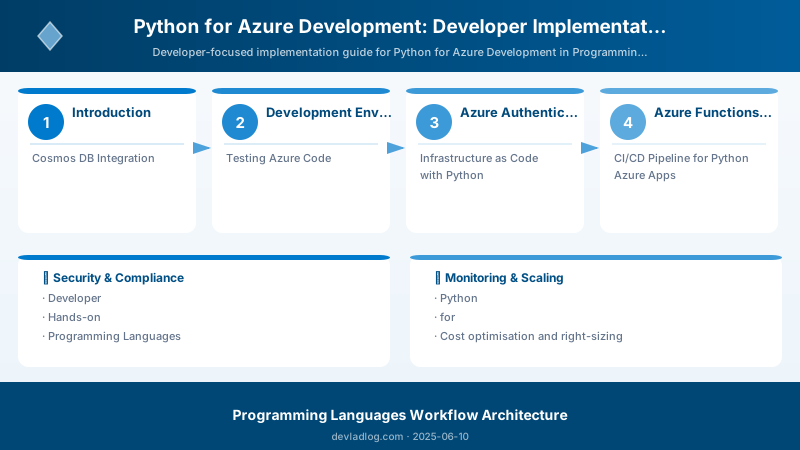
Figure: Python IDE – debugger, variable explorer, and notebook integration.
from azure.mgmt.resource import ResourceManagementClient
from azure.mgmt.web import WebSiteManagementClient


credential = DefaultAzureCredential()
subscription_id = "your-subscription-id"

resource_client = ResourceManagementClient(credential, subscription_id)

# Create resource group
rg = resource_client.resource_groups.create_or_update(
    "rg-python-app",
    {"location": "eastus", "tags": {"environment": "production"}}
)

# Deploy using ARM/Bicep template
deployment = resource_client.deployments.begin_create_or_update(
    "rg-python-app",
    "app-deployment",
    {
        "properties": {
            "mode": "Incremental",
            "template_link": {
                "uri": "https://raw.githubusercontent.com/.../main.json"
            },
            "parameters": {"appName": {"value": "myapp"}}
        }
    }
)
result = deployment.result()
print(f"Deployment state: {result.properties.provisioning_state}")
CI/CD Pipeline for Python Azure Apps
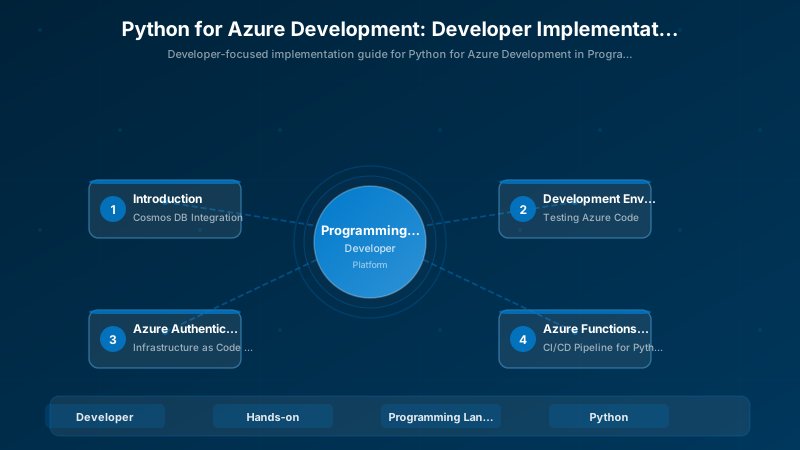
Figure: Python IDE – debugger, variable explorer, and notebook integration.
name: Python Azure CI/CD
on:
  push:
    branches: [main]


jobs:
  test:
    runs-on: ubuntu-latest
    steps:
      - uses: actions/checkout@v4
      - uses: actions/setup-python@v5
        with: { python-version: '3.11' }
      - run: |
          pip install -r requirements.txt
          pip install -r requirements-dev.txt
      - run: ruff check .
      - run: mypy src/
      - run: pytest tests/ --cov=src --cov-report=xml

  deploy:
    needs: test
    runs-on: ubuntu-latest
    steps:
      - uses: actions/checkout@v4
      - uses: azure/login@v1
        with:
          creds: ${{ secrets.AZURE_CREDENTIALS }}
      - uses: azure/functions-action@v1
        with:
          app-name: 'my-func-app'
          package: '.'
Best Practices
- Use DefaultAzureCredential: Works seamlessly across local development and production
- Async for I/O-bound work: Use async SDK clients for concurrent Azure service calls
- Structured logging: Use Python logging with JSON format for Azure Monitor integration
- Type hints everywhere: Catch errors early with mypy and improve IDE support
- Environment-based config: Use Azure App Configuration or Key Vault references
- Retry policies: Configure retry on Azure SDK clients for transient failure resilience
- Virtual environments: Always isolate project dependencies with venv or Poetry
Architecture Decision and Tradeoffs
When designing software development solutions with Programming Languages, consider these key architectural trade-offs:
| Approach | Best For | Tradeoff |
|---|---|---|
| Managed / platform service | Rapid delivery, reduced ops burden | Less customisation, potential vendor lock-in |
| Custom / self-hosted | Full control, advanced tuning | Higher operational overhead and cost |
Recommendation: Start with the managed approach for most workloads and move to custom only when specific requirements demand it.
Validation and Versioning
- Last validated: April 2026
- Validate examples against your tenant, region, and SKU constraints before production rollout.
- Keep module, CLI, and SDK versions pinned in automation pipelines and review quarterly.
Security and Governance Considerations
- Apply least-privilege access using RBAC roles and just-in-time elevation for admin tasks.
- Store secrets in managed secret stores and avoid embedding credentials in scripts or source files.
- Enable audit logging, data protection policies, and periodic access reviews for regulated workloads.
Cost and Performance Notes
- Define budgets and alerts, then monitor usage and cost trends continuously after go-live.
- Baseline performance with synthetic and real-user checks before and after major changes.
- Scale resources with measured thresholds and revisit sizing after usage pattern changes.
Official Microsoft References
- https://learn.microsoft.com/
- https://learn.microsoft.com/azure/
- https://learn.microsoft.com/power-platform/
- https://learn.microsoft.com/microsoft-365/
Public Examples from Official Sources
- These examples are sourced from official public Microsoft documentation and sample repositories.
- Documentation examples: https://learn.microsoft.com/training/
- Sample repositories: https://github.com/microsoft
- Prefer adapting these examples to your tenant, subscriptions, and governance requirements before production use.
Key Takeaways
- The Azure SDK for Python provides idiomatic, well-typed access to all Azure services
- DefaultAzureCredential eliminates credential management complexity across environments
- Azure Functions v2 Python programming model uses decorators for clean, readable triggers
- Testing with mocked Azure clients ensures fast, reliable unit tests
- Infrastructure automation with the Azure Management SDK enables GitOps workflows
Discussion