
Azure OpenAI Service: Building Intelligent Apps with GPT Models
Azure OpenAI Service brings GPT models into the Azure cloud with enterprise-grade security, compliance, private networking, and data residency. You get the same model quality as OpenAI's API, inside your Azure tenant with no data leaving your boundary.
Architecture Patterns
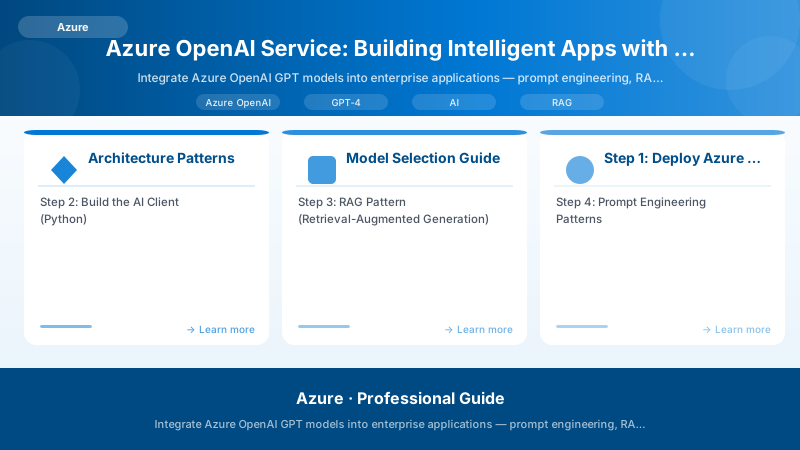
flowchart TB
    subgraph Input["User Interface"]
        UI[Web App / Teams / Copilot]
    end

    subgraph Gateway["Application Layer"]
        API[Backend API\nPrompt orchestration]
        CACHE[Semantic Cache\nRedis + Embeddings]
    end

    subgraph AI["Azure OpenAI Service"]
        GPT[GPT-4o\nChat Completion]
        EMB[text-embedding-ada-002\nEmbeddings]
        DALL[DALL-E 3\nImage Generation]
    end

    subgraph RAG["RAG Pattern"]
        SEARCH[Azure AI Search\nVector + Keyword]
        DOCS[Document Store\nBlob / SharePoint]
        DOCS --> SEARCH
    end

    subgraph Safety["Responsible AI"]
        CF[Content Filter\nHarm categories]
        LOG[Audit Logs\nAll prompts + responses]
    end

    UI --> API
    API --> CACHE
    API --> GPT
    API --> EMB
    EMB --> SEARCH
    SEARCH --> API
    GPT --> CF
    CF --> LOG

    style Input fill:#dbeafe,stroke:#3b82f6,color:#1e3a8a
    style AI fill:#ede9fe,stroke:#8b5cf6,color:#4c1d95
    style RAG fill:#d1fae5,stroke:#059669,color:#065f46
    style Safety fill:#fee2e2,stroke:#ef4444,color:#7f1d1d
Model Selection Guide
| Model | Best For | Context Window | Relative Cost |
|---|---|---|---|
| GPT-4o | Reasoning, code, complex tasks | 128K tokens | High |
| GPT-4o mini | Fast, cost-effective inference | 128K tokens | Low |
| GPT-4 Turbo | Long documents, vision | 128K tokens | High |
| text-embedding-ada-002 | Semantic search, similarity | N/A | Very low |
| DALL-E 3 | Image generation | N/A | Per image |
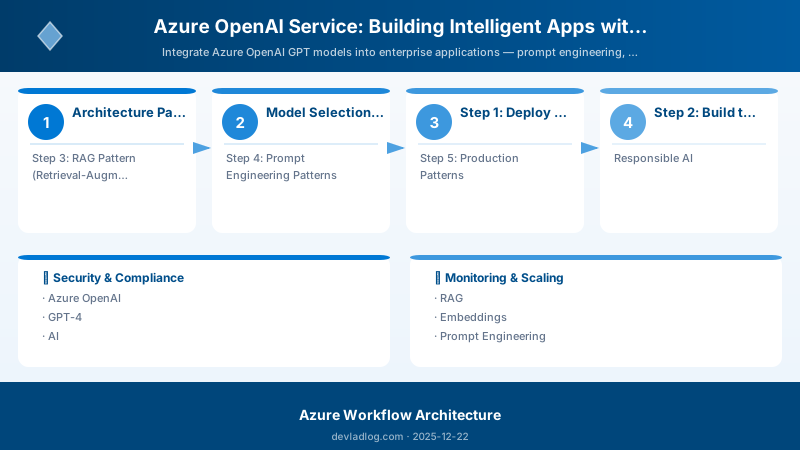
Step 1: Deploy Azure OpenAI
az group create --name rg-openai-demo --location eastus

# Create Azure OpenAI resource
az cognitiveservices account create \
  --name mycompany-openai \
  --resource-group rg-openai-demo \
  --kind OpenAI \
  --sku S0 \
  --location eastus

# Deploy GPT-4o model (30K TPM capacity)
az cognitiveservices account deployment create \
  --name mycompany-openai \
  --resource-group rg-openai-demo \
  --deployment-name gpt-4o \
  --model-name gpt-4o \
  --model-version "2024-05-13" \
  --model-format OpenAI \
  --sku-capacity 30 \
  --sku-name Standard

# Deploy embedding model
az cognitiveservices account deployment create \
  --name mycompany-openai \
  --resource-group rg-openai-demo \
  --deployment-name text-embedding-ada-002 \
  --model-name text-embedding-ada-002 \
  --model-version "2" \
  --model-format OpenAI \
  --sku-capacity 120 \
  --sku-name Standard
Step 2: Build the AI Client (Python)
from openai import AzureOpenAI
import os

# Use Managed Identity in production instead of API key
client = AzureOpenAI(
    api_key=os.environ["AZURE_OPENAI_KEY"],      # Replace with MI in prod
    api_version="2024-06-01",
    azure_endpoint=os.environ["AZURE_OPENAI_ENDPOINT"]
)

def get_completion(
    prompt: str,
    system_message: str = "You are a helpful assistant.",
    max_tokens: int = 1000,
    temperature: float = 0.7
) -> str | None:
    try:
        response = client.chat.completions.create(
            model="gpt-4o",
            messages=[
                {"role": "system", "content": system_message},
                {"role": "user", "content": prompt}
            ],
            max_tokens=max_tokens,
            temperature=temperature
        )
        return response.choices[0].message.content
    except Exception as e:
        print(f"Azure OpenAI error: {e}")
        return None

# Example: Summarise a document
summary = get_completion(
    prompt="Summarise the key points: [document text here]",
    system_message="You are a business analyst. Provide clear, actionable summaries."
)
Step 3: RAG Pattern (Retrieval-Augmented Generation)
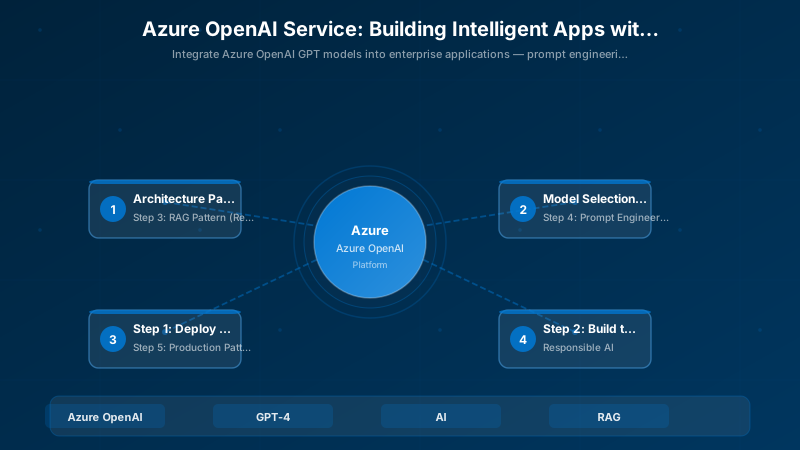
sequenceDiagram
    participant User as User
    participant App as Application
    participant Embed as Embedding Model\n(ada-002)
    participant Search as Azure AI Search\n(Vector Index)
    participant GPT as GPT-4o
    participant Docs as Document Store

    Docs->>Embed: Chunk + embed documents (ingestion)
    Embed-->>Search: Store vectors in index

    User->>App: "What is our vacation policy?"
    App->>Embed: Embed the question
    Embed-->>App: Question vector
    App->>Search: Vector similarity search (top 3)
    Search-->>App: Relevant document chunks
    App->>GPT: System prompt + context + question
    GPT-->>App: Answer grounded in context
    App-->>User: Answer + citations
from azure.search.documents import SearchClient
from azure.core.credentials import AzureKeyCredential

search_client = SearchClient(
    endpoint=os.environ["SEARCH_ENDPOINT"],
    index_name="knowledge-base",
    credential=AzureKeyCredential(os.environ["SEARCH_KEY"])
)

def answer_with_rag(question: str) -> str:
    # Step 1: Embed the question
    q_vector = client.embeddings.create(
        model="text-embedding-ada-002",
        input=question
    ).data[0].embedding

    # Step 2: Vector search for relevant chunks
    results = search_client.search(
        search_text=question,
        vector_queries=[{
            "kind": "vector",
            "vector": q_vector,
            "fields": "contentVector",
            "k": 3
        }],
        select=["content", "title", "source"]
    )

    # Step 3: Build context
    context = "\n\n---\n\n".join(
        f"[{r['title']}]\n{r['content']}" for r in results
    )

    # Step 4: Generate grounded answer
    system = (
        "You are a helpful assistant. Answer questions based ONLY on the provided context. "
        "If the context does not contain enough information, say so clearly. "
        "Always cite your sources by title."
    )

    return get_completion(
        prompt=f"Context:\n{context}\n\nQuestion: {question}",
        system_message=system,
        temperature=0.1   # Low temperature for factual retrieval
    )
Step 4: Prompt Engineering Patterns
| Technique | When to Use | Example |
|---|---|---|
| System message | Always — defines model behaviour | "You are a code reviewer. Focus on security vulnerabilities." |
| Few-shot examples | Consistent output format needed | Provide 2–3 input/output pairs before the real task |
| Chain of Thought | Complex reasoning tasks | "Think step by step before giving your answer." |
| Structured output | Integration with downstream systems | "Respond in JSON with keys: summary, action_items, priority" |
| Guardrails | Prevent off-topic responses | "Only answer questions about our products. For other topics, say: 'I can only help with X'." |
Structured output example (JSON):
import json

response = client.chat.completions.create(
    model="gpt-4o",
    messages=[
        {"role": "system", "content": "Extract information and respond in valid JSON only."},
        {"role": "user", "content": f"Extract: {document_text}"}
    ],
    response_format={"type": "json_object"},
    temperature=0
)

data = json.loads(response.choices[0].message.content)
Step 5: Production Patterns
Semantic Cache (Cost Reduction)
import hashlib
import redis

cache = redis.Redis(host=os.environ["REDIS_HOST"], port=6380, ssl=True,
                   password=os.environ["REDIS_KEY"])
CACHE_TTL = 3600  # 1 hour

def cached_completion(prompt: str, system: str = "") -> str:
    # Hash the prompt + system message as cache key
    key = hashlib.sha256(f"{system}|{prompt}".encode()).hexdigest()
    cached = cache.get(key)
    if cached:
        return cached.decode()

    result = get_completion(prompt, system_message=system)
    if result:
        cache.setex(key, CACHE_TTL, result)
    return result
Streaming Responses
def stream_completion(prompt: str):
    stream = client.chat.completions.create(
        model="gpt-4o",
        messages=[{"role": "user", "content": prompt}],
        stream=True
    )
    for chunk in stream:
        if chunk.choices[0].delta.content:
            yield chunk.choices[0].delta.content   # Stream to client in real time
Retry with Exponential Backoff
import time
from openai import RateLimitError

def get_completion_with_retry(prompt: str, max_retries: int = 3) -> str | None:
    for attempt in range(max_retries):
        try:
            return get_completion(prompt)
        except RateLimitError:
            wait = 2 ** attempt   # 1s, 2s, 4s
            print(f"Rate limited. Retrying in {wait}s...")
            time.sleep(wait)
    return None
Responsible AI
flowchart LR
    subgraph Controls["Responsible AI Controls"]
        CF[Content Filter\nHate / Violence / Self-harm / Sexual]
        PF[Prompt Shield\nJailbreak + indirect injection detection]
        GR[Groundedness\nRAG hallucination detection]
    end

    subgraph Governance["Governance"]
        LOG[Complete audit log\nAll prompts + responses]
        REVIEW[Human review\nfor high-risk outputs]
        LIMIT[Rate limits\nper user / group]
    end

    INPUT[User Prompt] --> CF --> PF --> GPT[GPT-4o]
    GPT --> GR --> OUTPUT[Response]
    GPT --> LOG
    OUTPUT --> REVIEW

    style Controls fill:#fee2e2,stroke:#ef4444,color:#7f1d1d
    style Governance fill:#fef3c7,stroke:#f59e0b,color:#78350f
Enable content filtering via policy:
az cognitiveservices account deployment update \
  --name mycompany-openai \
  --resource-group rg-openai-demo \
  --deployment-name gpt-4o \
  --content-filter-policy-name default
Cost Optimisation
| Strategy | Potential Saving | How |
|---|---|---|
| Use GPT-4o mini for simple tasks | 60–80% vs GPT-4o | Route classification/extraction to mini |
| Semantic cache | 30–60% on repeated queries | Cache embeddings similarity hits |
| Reduce max_tokens | Proportional to reduction | Set realistic max for your use case |
| Lower temperature for factual | Fewer retries | temperature=0 for deterministic tasks |
| Batch embeddings | Up to 20× throughput | Send up to 2048 strings per call |
| Monitor token usage | Catch runaway costs | Alert on daily token consumption |
Security
| Control | Implementation |
|---|---|
| No API keys in code | Use DefaultAzureCredential with Managed Identity |
| Network isolation | Private endpoint + disable public access |
| Data stays in your tenant | Azure OpenAI never trains on your data |
| Prompt logging | Enable diagnostic logs to Log Analytics |
| Access control | RBAC Cognitive Services OpenAI User role |
# Production: use Managed Identity, no keys
from azure.identity import DefaultAzureCredential, get_bearer_token_provider

token_provider = get_bearer_token_provider(
    DefaultAzureCredential(),
    "https://cognitiveservices.azure.com/.default"
)

client = AzureOpenAI(
    azure_ad_token_provider=token_provider,
    api_version="2024-06-01",
    azure_endpoint=os.environ["AZURE_OPENAI_ENDPOINT"]
)
Key Takeaways
- ✅ Azure OpenAI gives you GPT-4 quality inside your Azure tenant — data never leaves your boundary
- ✅ RAG grounds model responses in your own data, dramatically reducing hallucinations
- ✅ System messages and structured output are the most impactful prompt engineering techniques
- ✅ GPT-4o mini handles 80% of use cases at a fraction of the cost — route intelligently
- ✅ Managed Identity + Private Endpoints = enterprise-ready AI with no API keys in code
- ✅ Semantic caching cuts costs by 30–60% for query-heavy applications
Additional Resources
- Azure OpenAI Service documentation
- Prompt engineering guide
- RAG pattern reference
- Responsible AI overview
- Azure OpenAI samples (GitHub)
What use cases have you built with Azure OpenAI? Any RAG or prompt patterns that worked particularly well? Share below.
Discussion