
], temperature=0.7, max_tokens=500``` )
print(response.choices[0].message.content)
## Application Patterns

### Chat Completions


```python
conversation_history = [
```json
{"role": "system", "content": "You are a Python coding expert."}```
]

def chat(user_message):
```text
conversation_history.append({"role": "user", "content": user_message})

response = client.chat.completions.create(
    model="gpt-4",
    messages=conversation_history,
    temperature=0.3
)

assistant_message = response.choices[0].message.content
conversation_history.append({"role": "assistant", "content": assistant_message})

return assistant_message
Multi-turn conversation
print(chat("Write a function to reverse a string")) print(chat("Now add type hints and docstring"))
## Streaming Responses

```python
def stream_chat(user_message):
```text
response = client.chat.completions.create(
    model="gpt-4",
    messages=[{"role": "user", "content": user_message}],
    stream=True
)


for chunk in response:
    if chunk.choices[0].delta.content:
        print(chunk.choices[0].delta.content, end="", flush=True)
## Retrieval-Augmented Generation (RAG)

### Vector Database Integration


```python
from azure.search.documents import SearchClient
from azure.core.credentials import AzureKeyCredential

search_client = SearchClient(
```text
endpoint="https://<search-service>.search.windows.net",
index_name="documents",
credential=AzureKeyCredential("<key>")```
)

def rag_query(question):
```sql
## Retrieve relevant documents
results = search_client.search(
    search_text=question,
    select="content",
    top=3
)


context = "\n\n".join([doc["content"] for doc in results])

## Generate answer with context
response = client.chat.completions.create(
    model="gpt-4",
    messages=[
        {"role": "system", "content": "Answer based on the provided context."},
        {"role": "user", "content": f"Context:\n{context}\n\nQuestion: {question}"}
    ]
)


return response.choices[0].message.content
## Semantic Kernel Framework

### Basic Setup


```python
import semantic_kernel as sk
from semantic_kernel.connectors.ai.open_ai import AzureChatCompletion

kernel = sk.Kernel()

kernel.add_chat_service(
```text
"chat",
AzureChatCompletion(
    deployment_name="gpt-4",
    endpoint="<endpoint>",
    api_key="<key>"
)```
)

## Define semantic function
prompt = """
Summarize the following text in {{$maxWords}} words or less:


{{$input}}
"""

summarize = kernel.create_semantic_function(prompt, max_tokens=500)

result = await summarize("Very long text here...", maxWords=50)
print(result)
Plugin Architecture
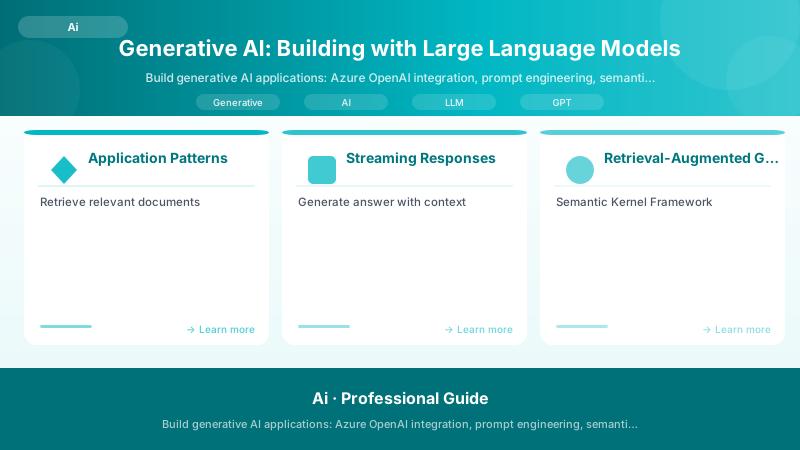
Figure: Plugin Registration Tool – registered steps and message pipeline.
from semantic_kernel.skill_definition import sk_function, sk_function_context_parameter


class MathPlugin:
```python
@sk_function(
    description="Add two numbers",
    name="add"
)
@sk_function_context_parameter(name="num1", description="First number")
@sk_function_context_parameter(name="num2", description="Second number")
def add(self, context) -> str:
    num1 = float(context["num1"])
    num2 = float(context["num2"])
    return str(num1 + num2)
Register plugin
kernel.import_skill(MathPlugin(), "Math")
Use with LLM
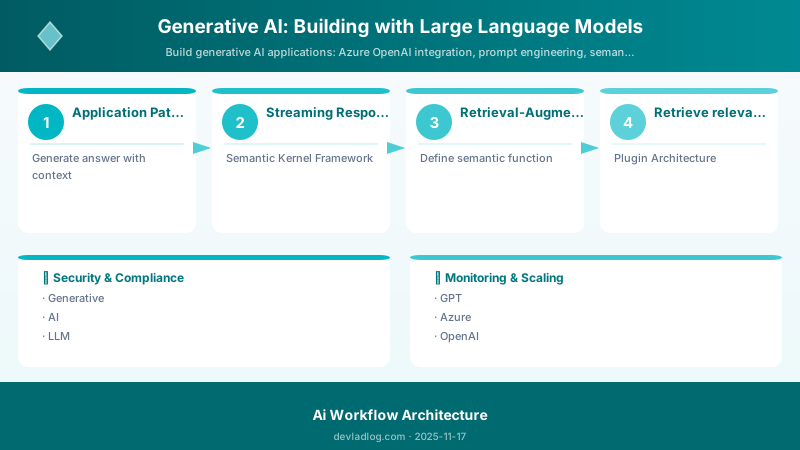
Figure: Configuration and management dashboard with status overview.
result = await kernel.run_async(
kernel.skills.get_function("Math", "add"),
num1="15",
num2="27"```
)
Function Calling
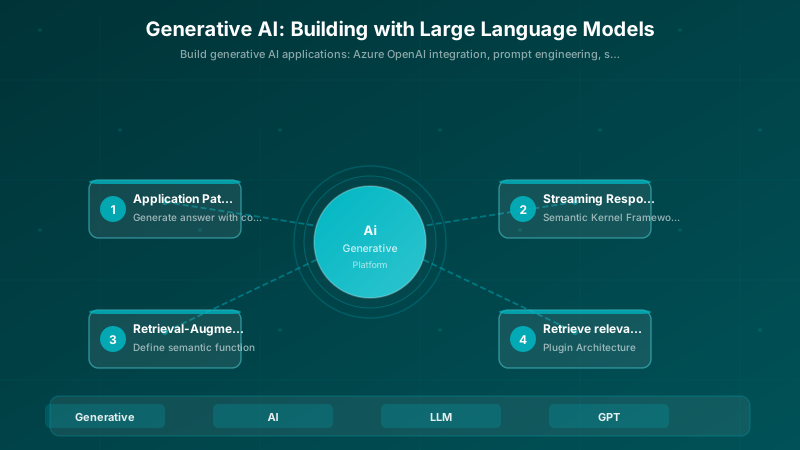
Figure: Azure Functions monitor – invocation graph, execution timeline, and bindings.
functions = [
```json
{
    "name": "get_weather",
    "description": "Get current weather for a location",
    "parameters": {
        "type": "object",
        "properties": {
            "location": {
                "type": "string",
                "description": "City name"
            },


            "unit": {
                "type": "string",
                "enum": ["celsius", "fahrenheit"]
            }
        },
        "required": ["location"]
    }
}```
]

response = client.chat.completions.create(
```text
model="gpt-4",
messages=[{"role": "user", "content": "What's the weather in Seattle?"}],
functions=functions,
function_call="auto"```
)

if response.choices[0].message.function_call:
```text
function_name = response.choices[0].message.function_call.name
arguments = json.loads(response.choices[0].message.function_call.arguments)

## Execute function
weather_data = get_weather(**arguments)


## Send result back to model
response = client.chat.completions.create(
    model="gpt-4",
    messages=[
        {"role": "user", "content": "What's the weather in Seattle?"},
        response.choices[0].message,
        {"role": "function", "name": function_name, "content": json.dumps(weather_data)}
    ]
)
## Content Generation

### Code Generation


```python
def generate_code(specification, language="python"):
```text
prompt = f"""```
Generate {language} code for the following specification:

{specification}

Requirements:
- Include type hints
- Add comprehensive docstrings
- Follow PEP 8 style guide
- Include error handling
"""

```text
response = client.chat.completions.create(
    model="gpt-4",
    messages=[{"role": "user", "content": prompt}],
    temperature=0.2
)

return response.choices[0].message.content
### Data Transformation

```python
def transform_data(data, target_format):
```text
prompt = f"""```
Transform the following data to {target_format} format:

{data}

Ensure valid syntax and proper formatting.
"""

```text
response = client.chat.completions.create(
    model="gpt-4",
    messages=[{"role": "user", "content": prompt}],
    temperature=0
)

return response.choices[0].message.content
## Token Management

```python
import tiktoken


def count_tokens(text, model="gpt-4"):
```text
encoding = tiktoken.encoding_for_model(model)
return len(encoding.encode(text))
def truncate_to_token_limit(text, max_tokens=4000, model="gpt-4"):
encoding = tiktoken.encoding_for_model(model)
tokens = encoding.encode(text)

if len(tokens) <= max_tokens:
    return text

truncated_tokens = tokens[:max_tokens]
return encoding.decode(truncated_tokens)
## Cost Optimization

```python
class CostTracker:
```python
PRICING = {
    "gpt-4": {"input": 0.03, "output": 0.06},  # per 1K tokens
    "gpt-35-turbo": {"input": 0.0015, "output": 0.002}
}


def __init__(self):
    self.total_cost = 0

def calculate_cost(self, model, input_tokens, output_tokens):
    pricing = self.PRICING.get(model, self.PRICING["gpt-35-turbo"])
    cost = (input_tokens / 1000 * pricing["input"]) + (output_tokens / 1000 * pricing["output"])
    self.total_cost += cost
    return cost

def log_request(self, response):
    usage = response.usage
    cost = self.calculate_cost(
        response.model,
        usage.prompt_tokens,
        usage.completion_tokens
    )
    print(f"Request cost: ${cost:.4f} | Total: ${self.total_cost:.4f}")
## Safety and Content Filtering

```python
from azure.ai.contentsafety import ContentSafetyClient


content_safety = ContentSafetyClient(
```text
endpoint="<endpoint>",
credential=AzureKeyCredential("<key>")```
)

def safe_generation(prompt):
```text
## Generate content
response = client.chat.completions.create(
    model="gpt-4",
    messages=[{"role": "user", "content": prompt}]
)


generated_text = response.choices[0].message.content

## Check for harmful content
safety_result = content_safety.analyze_text(
    text=generated_text,
    categories=["Hate", "Sexual", "Violence", "SelfHarm"]
)


## Filter if unsafe
for category in safety_result.categories_analysis:
    if category.severity >= 4:  # High severity
        return "Content filtered due to safety policies."


return generated_text
## Best Practices

- Use system messages to set consistent behavior
- Implement retry logic with exponential backoff
- Cache responses for identical prompts
- Monitor token usage and costs
- Set appropriate temperature (0-0.3 for factual, 0.7-1.0 for creative)
- Implement content safety checks
- Use streaming for better UX
- Version prompts alongside code
- Test with diverse inputs


## Troubleshooting

| Issue | Cause | Resolution |
|-------|-------|------------|
| Rate limit errors | Too many requests | Implement retry with backoff |
| High costs | Inefficient prompts | Optimize token usage; use cheaper models |
| Inconsistent outputs | High temperature | Lower temperature; use structured output |
| Context overflow | Long conversations | Implement conversation summarization |
| Hallucinations | Lack of grounding | Use RAG; add verification steps |


## Architecture Decision and Tradeoffs

When designing AI/ML solutions with Azure AI Services, consider these key architectural trade-offs:

| Approach | Best For | Tradeoff |
|----------|----------|----------|
| Managed / platform service | Rapid delivery, reduced ops burden | Less customisation, potential vendor lock-in |
| Custom / self-hosted | Full control, advanced tuning | Higher operational overhead and cost |

> **Recommendation:** Start with the managed approach for most workloads and move to custom only when specific requirements demand it.

## Validation and Versioning

- Last validated: April 2026
- Validate examples against your tenant, region, and SKU constraints before production rollout.
- Keep module, CLI, and SDK versions pinned in automation pipelines and review quarterly.

## Security and Governance Considerations

- Apply least-privilege access using RBAC roles and just-in-time elevation for admin tasks.
- Store secrets in managed secret stores and avoid embedding credentials in scripts or source files.
- Enable audit logging, data protection policies, and periodic access reviews for regulated workloads.

## Cost and Performance Notes

- Define budgets and alerts, then monitor usage and cost trends continuously after go-live.
- Baseline performance with synthetic and real-user checks before and after major changes.
- Scale resources with measured thresholds and revisit sizing after usage pattern changes.

## Official Microsoft References

- https://learn.microsoft.com/azure/ai-services/
- https://learn.microsoft.com/azure/machine-learning/
- https://learn.microsoft.com/azure/ai-foundry/

## Public Examples from Official Sources

- These examples are sourced from official public Microsoft documentation and sample repositories.
- Documentation examples: https://learn.microsoft.com/azure/ai-services/
- Sample repositories: https://github.com/Azure-Samples?tab=repositories&q=ai&type=&language=&sort=
- Prefer adapting these examples to your tenant, subscriptions, and governance requirements before production use.

## Key Takeaways

Building with generative AI requires prompt engineering, cost management, safety controls, and thoughtful integration patterns for reliable production applications.


## References

- https://learn.microsoft.com/azure/ai-services/openai/
- https://learn.microsoft.com/semantic-kernel/
Discussion